 Covered
Shift coverage for restaurants
Every shift covered, by text.
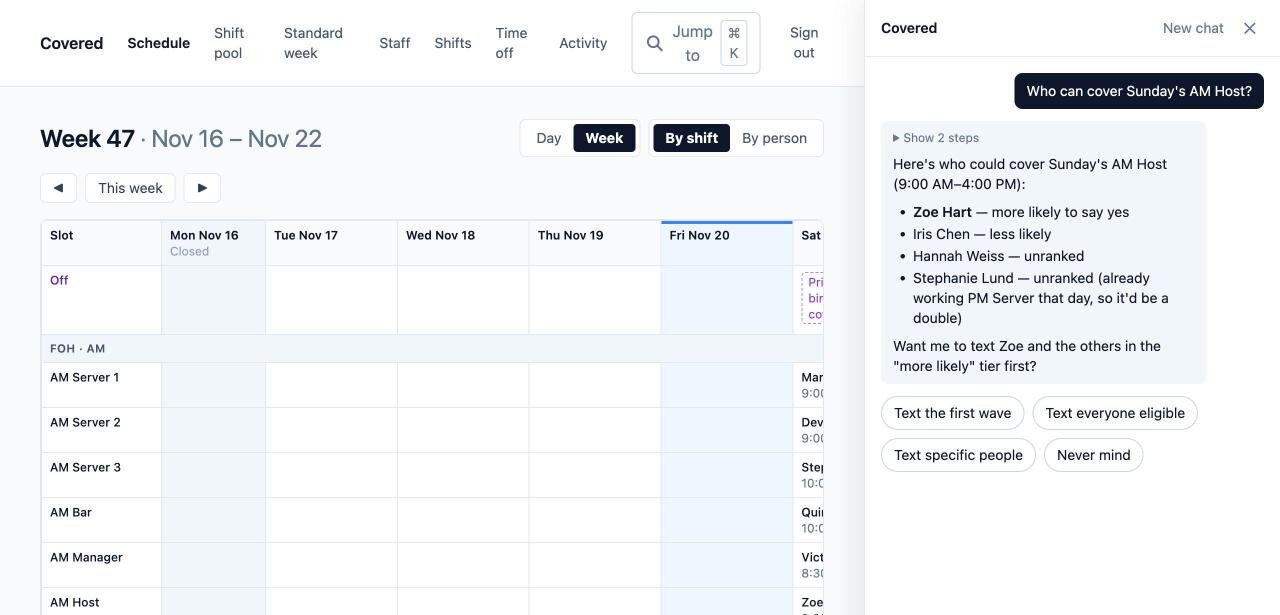
When someone calls in sick, Covered texts the staff who can work the shift, in the order you prefer. You run the schedule by chatting with Covered. Your staff just text.
Less time on the phone, fewer empty shifts
Sick calls covered in minutes
Someone can't make it? Covered texts the staff who can work that shift, in the order you prefer, and tells you when it's filled. No group texts, no phone tree.
Your schedule, in a conversation
Ask "Who can cover Sunday?", "Draft next week's FOH" or "Give Ana Friday off". Covered reads the schedule, does the work and asks before anything goes out.
Nothing for staff to install
Offers, published schedules and pickups arrive by text. Staff reply to call in sick, ask for time off or grab an open shift, and each has their own schedule page.
Your rules, every time
Covered knows who's certified for each role, who works FOH or BOH, your standard week and who's off, and warns you before anyone is double-booked.
How it works
Set up once
Your roles, shifts and standard week, imported from the schedule you already keep.
Draft and publish each week
Covered drafts the week from your standard week. You adjust it in the chat, then publish, and each person gets their shifts by text.
Let Covered handle changes
Sick calls, swaps and open shifts are handled by text, with a heads-up to you, and the schedule stays current.
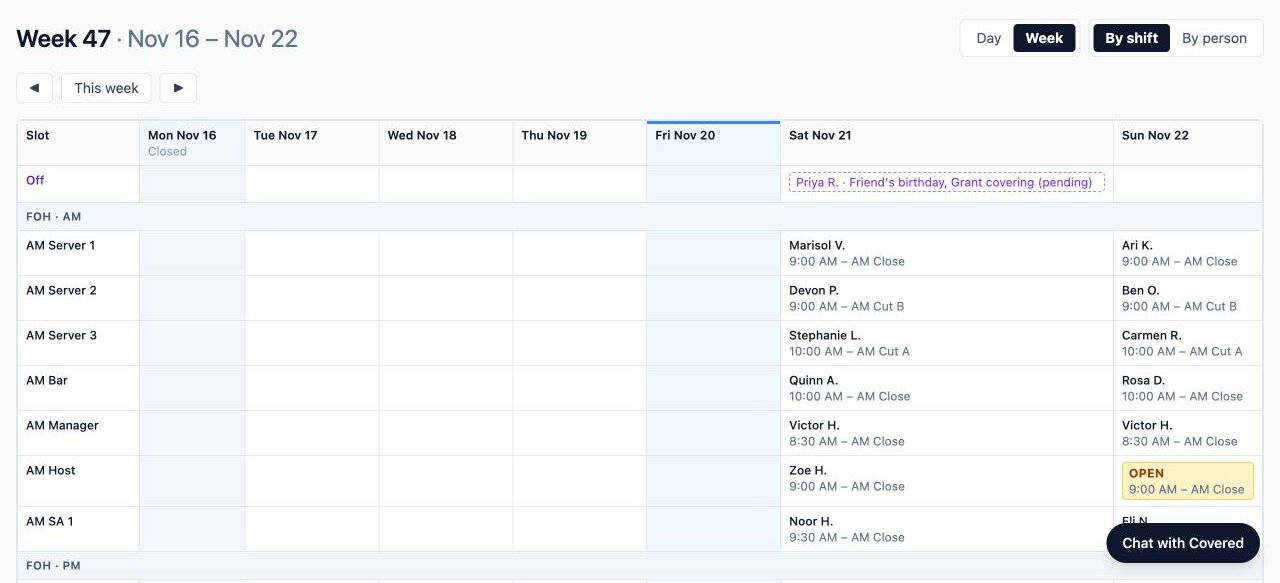
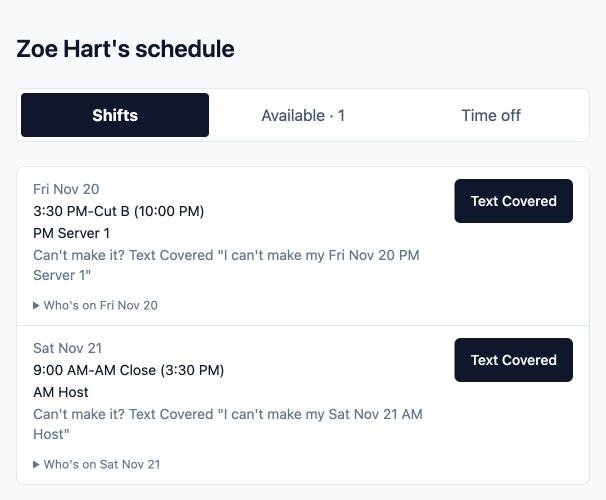
Screenshots use made-up staff from Covered's demo.
Stop chasing cover
Tell us how your restaurant schedules today, and we'll show you Covered with your own shifts.
Talk to us about your restaurant